Translation
Private Document Translation: Translate Work Without Uploading It
July 8, 2026 · 6 min read
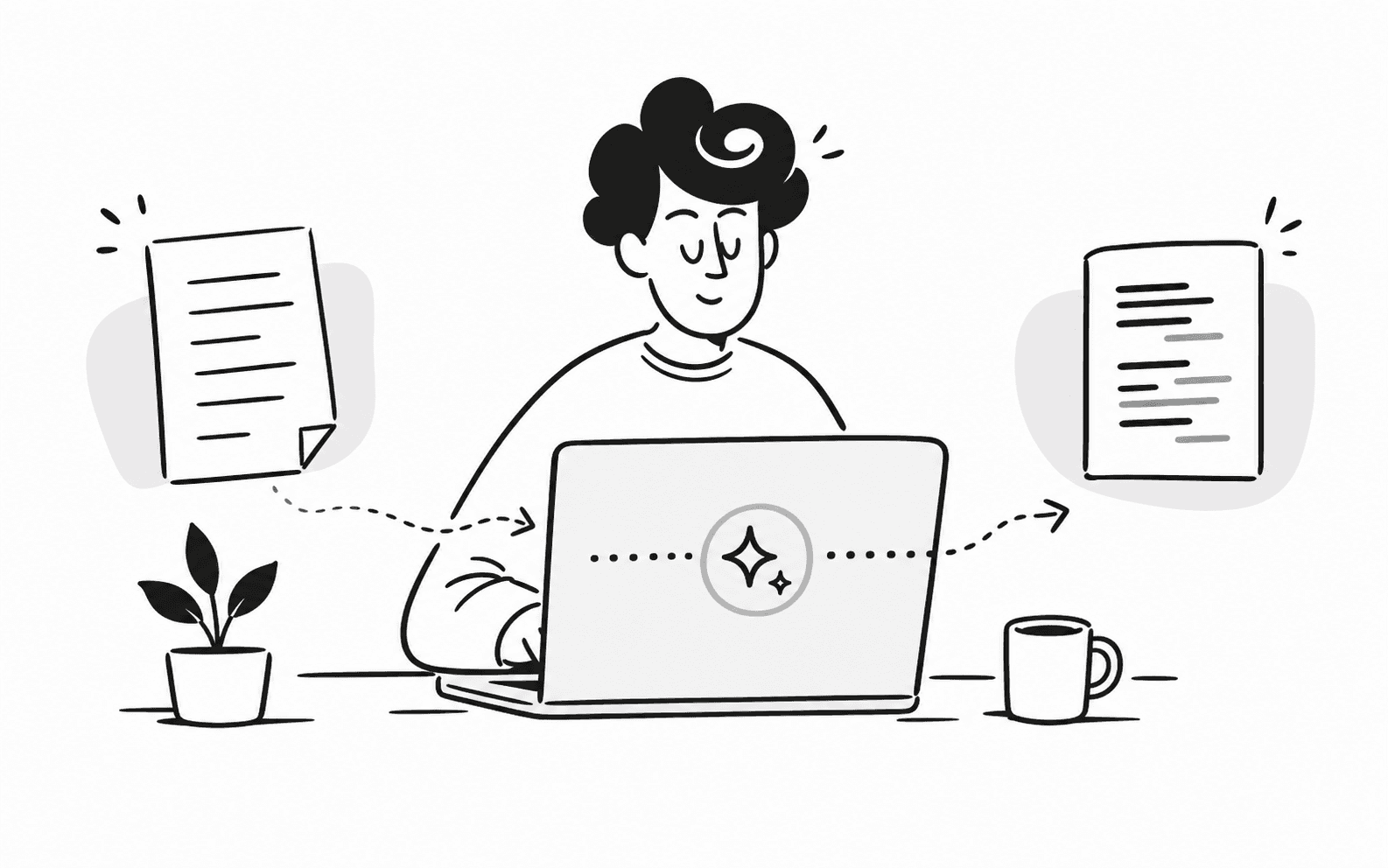
Translation is one of the easiest ways to accidentally send sensitive work to a third party. VeloxWaves approaches translation as a local AI workflow instead.
The product direction is simple: imported text and documents should be processed on your machine after the required local model is available. That keeps translation close to the same privacy boundary as dictation and memory.
Why hosted translation is risky for private work
Documents can include contracts, meeting notes, strategy drafts, support tickets, research notes, or customer details. Uploading that text to a web translator may be convenient, but it also moves your data into another system.
For privacy-sensitive workflows, the safer default is to keep the text local and use a model that runs on your device.
How VeloxWaves frames translation
- Translate selected text or transcription history without changing the original source.
- Keep successful translation records in local storage.
- Use explicit model downloads rather than silent cloud fallback.
- Preserve structure for document-oriented workflows where supported.
Translation belongs next to memory
Translation becomes more useful when it connects to the rest of your work. A translated passage can sit next to the source transcript, project memory, or document context, instead of becoming a disconnected file in a browser tab.
That is why VeloxWaves treats dictation, translation, and second brain memory as parts of one local desktop assistant.
The bottom line
Private document translation is not just about language quality. It is about controlling where sensitive text goes. VeloxWaves keeps that control on the device wherever the local model path is available.
Try local dictation, private memory, and translation in the VeloxWaves desktop app.
Download VeloxWaves